
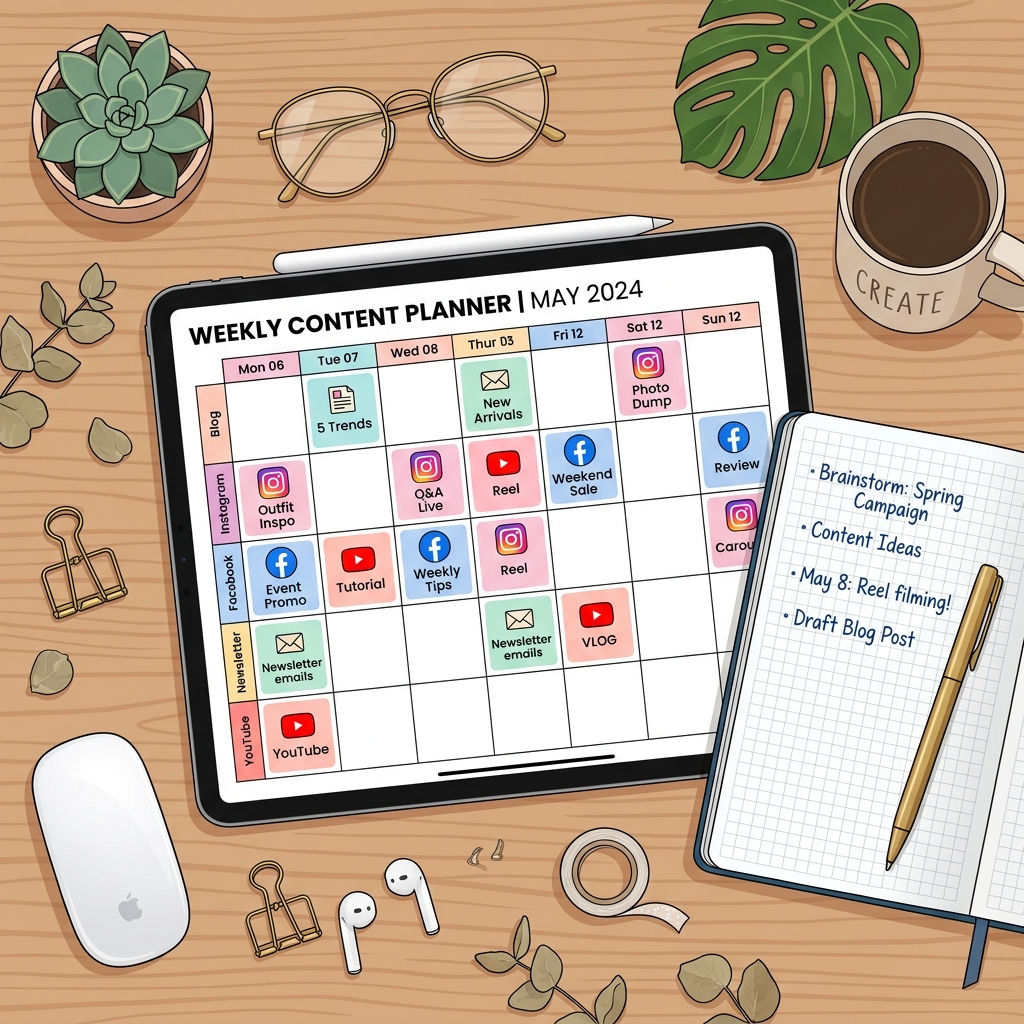
How to Create a Consistent Social Media Content Calendar in 3 Steps
One of the biggest struggles for social media creators and business owners is consistency. We have all experienced the feeling of opening Instagram, staring at a blank screen, and having no idea what to post.
Consistent posting is crucial because the algorithm favors accounts that publish content reliably. To break the cycle of stress and last-minute posting, you need a Content Calendar. Planning your content in advance saves hours of daily stress and ensures your posts align with your overall business goals.
In this guide, we will show you how to build a highly effective, consistent social media content calendar in 3 simple steps.
Step 1: Define Your Content Pillars (Content Buckets)
A common mistake is trying to write about random topics every day. Instead, establish 3 to 4 content pillars. These are the broad themes or categories that your brand will focus on.
By sticking to predefined pillars, you establish clear authority in your niche, and your audience knows exactly what to expect from your profile.
Examples of Content Pillars (for a Fitness Coach):
- Educational: Workouts, exercise posture guides, nutrition facts.
- Inspirational: Before-and-after client success stories, motivational tips.
- Behind-the-Scenes: Daily routine, what I eat in a day, bloopers.
- Promotional: Openings for 1-on-1 coaching, program discounts.
Every post you create must fit into one of these buckets.
Step 2: Set a Posting Frequency and Map Out Formats
You do not need to post three times a day to grow. It is far better to publish three high-quality posts a week consistently than to post every day for a week and then disappear for a month.
Select a schedule that realistic for your lifestyle and resources.
Example Posting Schedule (3 Posts a Week):
- Monday (Format: Reels): Educational tutorial or quick tip.
- Wednesday (Format: Carousel): Infographic breaking down a common mistake.
- Friday (Format: Single Image or Meme): Relatable joke or client win.
Map this schedule out on a calendar grid (using tools like Google Sheets, Trello, or Notion).
Step 3: Batch Produce Your Content (The Secret to Saving Time)
The absolute secret to maintaining a content calendar without burning out is Batching. Instead of writing, filming, and editing a post every single day, set aside dedicated blocks of time for each task.
The Weekly Batching Schedule:
- Monday (1 Hour): Content planning and scriptwriting for the entire next week.
- Tuesday (2 Hours): Film all 3 to 4 video clips at once. (Set up your lighting once, change your outfit between shoots).
- Wednesday (2 Hours): Edit all videos, write captions, and design carousel slides.
- Thursday (30 Minutes): Schedule your posts using tools like Meta Business Suite or Buffer.
Content Calendar Setup
[Define Pillars] --> [Set Schedule & Formats] --> [Batch Produce & Schedule]
   (Education,          (3x a Week: Reels,          (Film & Edit in blocks,
   Inspiration...)       Carousel, Meme...)          pre-schedule posts)
By defining your pillars, mapping out a realistic schedule, and batching your production, you will transition from a stressed, reactive poster to an organized, strategic creator. Start by planning just one week of content in advance, and build up from there!